 PassportPhotoSizes
Your Passport Photo Was Rejected. What Happens Now?
By PassportPhotoSizes Editorial · Reviewed · 3 min read
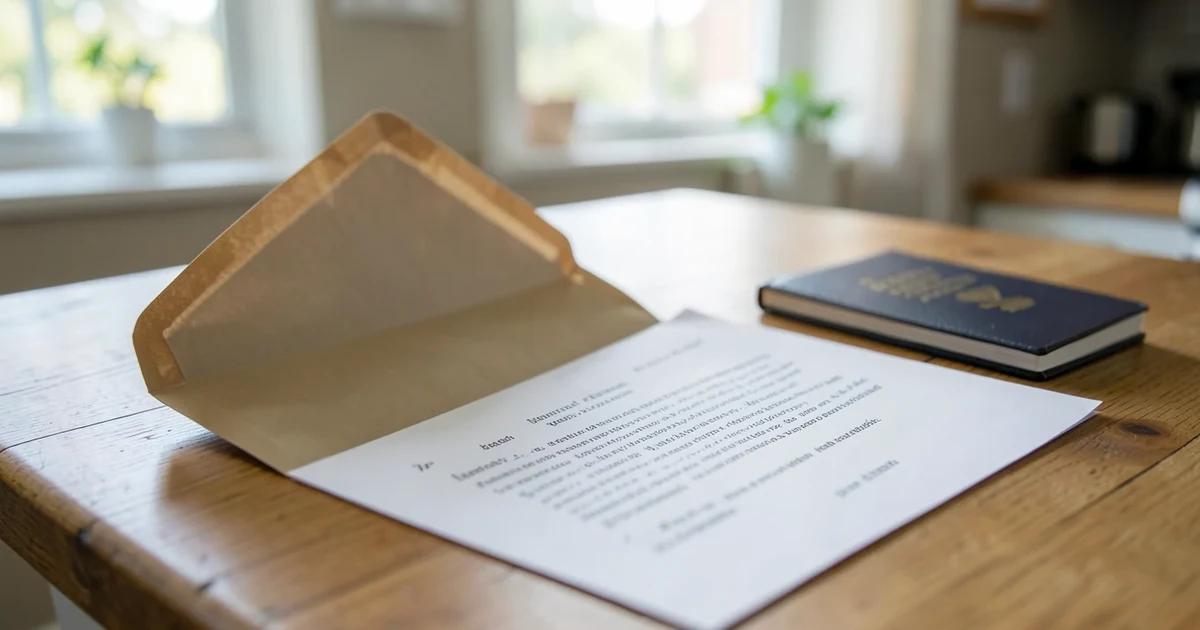
The application is almost certainly not refused. It is on hold, waiting for a photo that meets the specification, and the fee stands.
That is the first thing worth knowing, because the letter often reads more severely than the situation warrants.
Read what actually failed
Every rejection cites a specific requirement, and the fix depends entirely on which. The common categories:
| Cited as | What it means | What to change |
|---|---|---|
| Size or dimensions | The print is the wrong physical size | Reprint at the exact size — the crop may be fine |
| Head size or position | Head height outside the range | Re-crop; usually no new photo needed |
| Background | Not plain, wrong shade, or shadowed | New photo, further from the wall |
| Lighting or shadows | Shadow on face or behind head | New photo, front-lit |
| Expression | Smiling, mouth open, eyes not visible | New photo |
| Glasses | Prohibited (US) or glare and frames (elsewhere) | New photo without them |
| Quality | Blurred, pixelated, over-compressed | New photo, or reprint from the original file |
| Age of photo | Older than six months, or appearance changed | New photo |
The distinction that saves the most work: size, head position and print quality can often be fixed from the photograph you already have. Background, lighting, expression, glasses and age genuinely require sitting down again.
The most common fixable one
A photo cropped correctly in proportion but printed at the wrong physical size fails every measurement simultaneously, and the rejection letter will cite several problems at once. It reads like a comprehensively bad photo and is a printing setting.
Check the printed photo against a ruler before assuming the image is wrong.
What to send back
Follow the instructions in the letter exactly — the process differs by country and by whether you applied online or on paper.
- United States — a new photo, submitted by the method the letter specifies, quoting the application locator number.
- United Kingdom — for online applications a new digital photo can usually be uploaded against the same application. For paper applications, new prints with the countersignature requirements met again.
- Canada — new photos, with the photographer's details and date on the back, sent to the address given.
Do not start a new application. That is the one action that genuinely costs money and time.
Before you resubmit
Work through the requirement that was cited, and then check the others, because a photo that failed on one point frequently has a second problem that was not mentioned — assessors stop at the first failure.
The full list is in why passport photos get rejected, and the practical version is in taking your own passport photo.
Two checks worth doing every time:
- Measure the printed photo. Frame size and head height, with a ruler.
- Look at the background in the corners, where shadows show first.
If it is rejected twice
Almost always the same problem, uncorrected, because the first letter was read as a general complaint rather than a specific one.
Re-read the exact wording. "Head too large" and "insufficient clearance above the head" describe the same photo and call for different corrections — one is a crop scale, the other is a crop position.
If the requirement genuinely is not clear, the passport service has a phone line and they will tell you. That is faster than a third attempt.
Getting the measurements right this time
The two that cannot be judged by eye are frame size and head height. The passport photo tool does both — pick the country, and it crops to the exact specification with head-height guides overlaid, in the browser, with nothing uploaded.
Then confirm the numbers against your destination: passport photo size by country.
Countries referenced
Keep reading
- Can You Smile in a Passport Photo?A neutral expression with the mouth closed is required almost everywhere, and the reason is measurement rather than solemnity.
- Immigration Photos Are Not Passport PhotosA US immigration photo is the same 2 x 2 inches and a different specification. Where the rules diverge, and which one your form actually asks for.
- What to Wear, and What Gets a Photo RejectedThere is no dress code, but there are three things that fail: white tops on a white background, uniforms, and anything that covers the face or hairline.