 PassportPhotoSizes
Printing a Passport Photo at CVS, Walgreens or Home
By PassportPhotoSizes Editorial · Reviewed · 3 min read
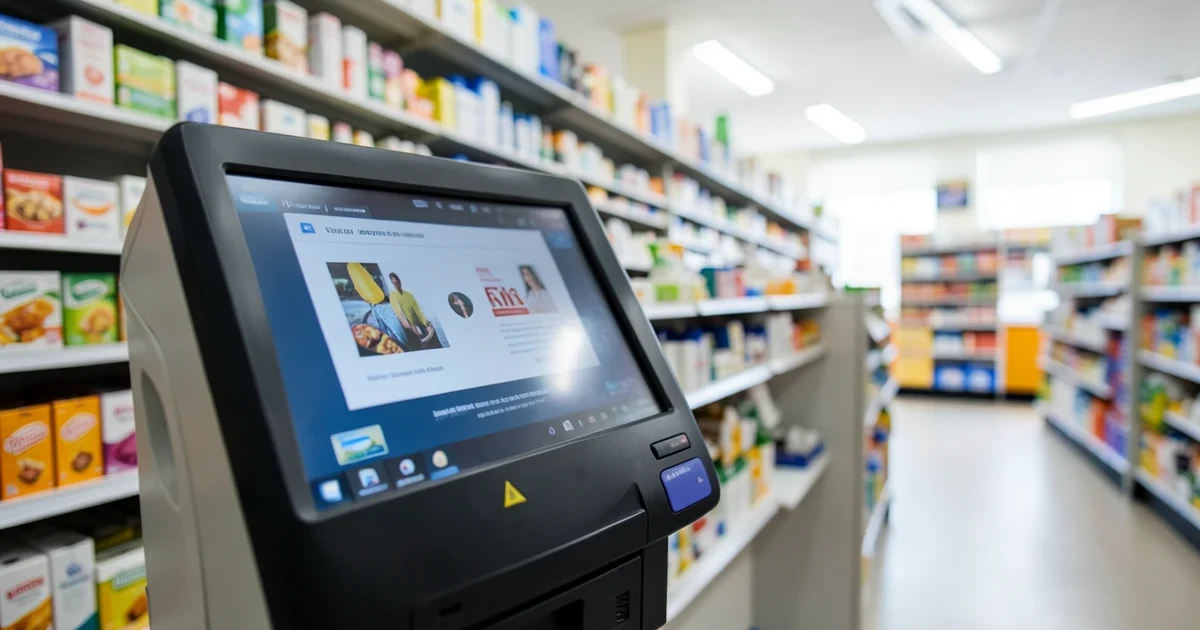
The pharmacy photo service and the pharmacy print kiosk are the same printer at very different prices. The service crops and prints for you; the kiosk lets you do both for the price of a 4×6.
If the photograph is already correct, the kiosk is the cheaper path by a wide margin.
The 4×6 trick
A US passport photo is 2 × 2 inches. A standard 4 × 6 print holds two of them side by side with room to cut, and 4 × 6 is the cheapest print size everywhere.
- Crop your photo to the exact specification — the passport photo tool does this for any of thirty countries and produces a print-ready 4 × 6 sheet with the copies laid out.
- Take the file to a kiosk on a phone, USB stick or by uploading to the chain's site for in-store pickup.
- Order it as a 4 × 6 print, not as a passport photo.
- Set the print option to "actual size" or "no crop". This is the step that matters.
- Cut along the guides with a guillotine, or a craft knife against a steel rule. Scissors wander, and a millimetre off is a rejection.
The setting that ruins it
Photo kiosks default to "fit to frame" or "auto crop", which scales the image to fill the paper. That silently changes the physical size of everything on it, and a correctly proportioned photo comes out at the wrong scale — failing frame size, head height and eye position all at once.
Look for actual size, no crop, borderless off, or 100%, depending on the kiosk. If none is available, use a different kiosk or a different chain.
Then measure the print with a ruler before you leave. Thirty seconds, and it is the difference between a passport and a rejection letter.
Printing at home
Works, with three conditions.
- Photo paper. Glossy or matte photo stock. Plain paper is rejected on sight, and so is anything with a visible texture.
- Print at 100%. In the print dialogue, turn off "fit to page", "scale to fit" and any borderless option. Every one of them resizes the image.
- Check the colour. Home printers frequently shift skin tones warm or magenta. Compare the print with the screen, and use the printer's photo paper profile rather than plain-paper defaults.
Inkjet output is accepted everywhere. The requirement is photo-quality, not professional.
What the in-store service buys you
Not nothing:
- They take the photograph in controlled lighting against a proper backdrop.
- They handle the crop and the print size.
- Some chains offer a re-take guarantee if the photo is rejected.
That is worth paying for if you do not have a plain wall and good light, or if you would rather not be responsible for the measurements. It is not worth paying for if you already have a good photo, which is the situation most people printing at a kiosk are in.
Digital-only applications
Increasingly the print is not needed at all. The UK online service, and a growing number of others, take an uploaded image against a file-size and pixel-dimension specification instead.
Those have their own requirements — resolution, file size, compression — and a photo that would print correctly can still be rejected for being over a file size limit. Check whether your application is digital before printing anything.
Before you print
Confirm the photo itself passes, because printing is the last step and the cheapest one to repeat. The list of what gets sent back is in why passport photos get rejected, and the specification for your destination is in passport photo size by country — the sizes differ more than most people expect, and printing to the wrong country's spec is a common and entirely avoidable error.
Countries referenced
Keep reading
- Digital Passport Photos: File Size, Pixels and CompressionOnline applications check the file automatically. A photo that would print perfectly gets rejected at upload for pixel dimensions or file size.
- Lighting a Passport Photo at HomeMost home rejections are lighting, not framing. One window, the right angle, and nothing else is needed — but the wrong angle fails every time.
- Can You Take Your Own Passport Photo at Home?Yes, in almost every country. Five specific things catch people out, and none of them is the camera — a phone has been good enough for a decade.